Use an "anchor" to link a user to a specific piece of content on a page, rather than just to the top of the page.
Create an anchor:
Add an "id" attribute to the HTML element for that section (for example, a heading or paragraph tag).
Or, wrap the section in a new <div> tag and add the id to that div.
- The id value must be unique on the page.
- Use only lowercase letters, numbers, and hyphens. Do not use spaces, uppercase letters, or special characters.
Example:
<h3 id="kingston">About Kingston</h3>
Example:
<div id="kingston">
<h3>About Kingston</h3>
<p>Kingston is a great place to study and live…</p>
</div>
Link to an anchor
- Add # plus the id value to the end of the URL.
- Absolute link example: https://www.site-name.ca/page-name#kingston (for links to another website)
- Relative link example (same site): /page-name/child-page-name#kingston (for links within the same website or web page.
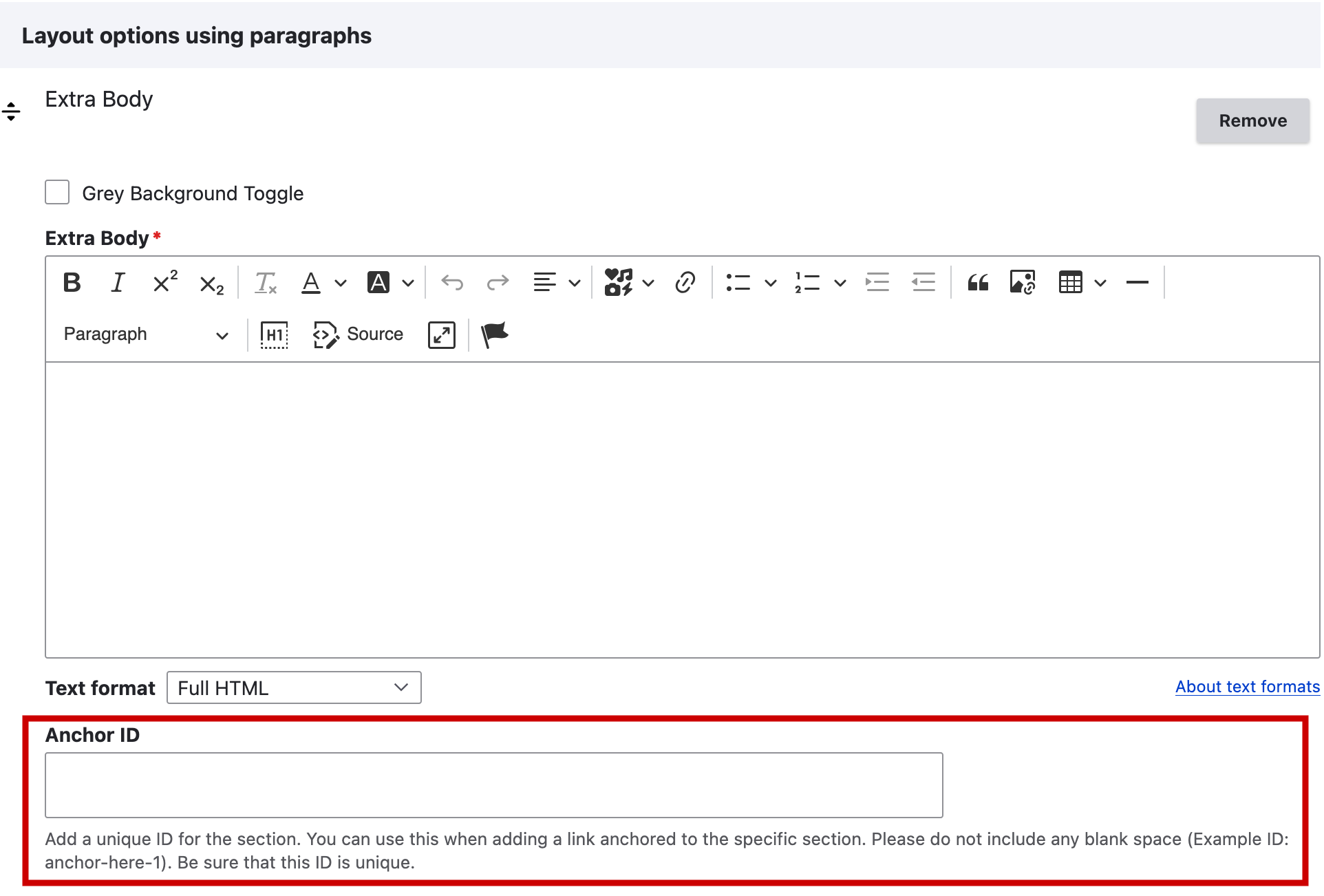
Anchor fields in WebPublish
In Queen’s WebPublish CMS, many formatting options include an “anchor” field. Enter a unique value there to create an anchor without editing the HTML.