
Queen’s digital letterhead, word documents, presentations, and virtual meetings backgrounds can be downloaded and utilized to create consistent university communications across all faculties, schools, and departments.
Please note that only Queen's employees can access the brand assets and templates. The Student Resources page outlines the templates and guidelines available to students.
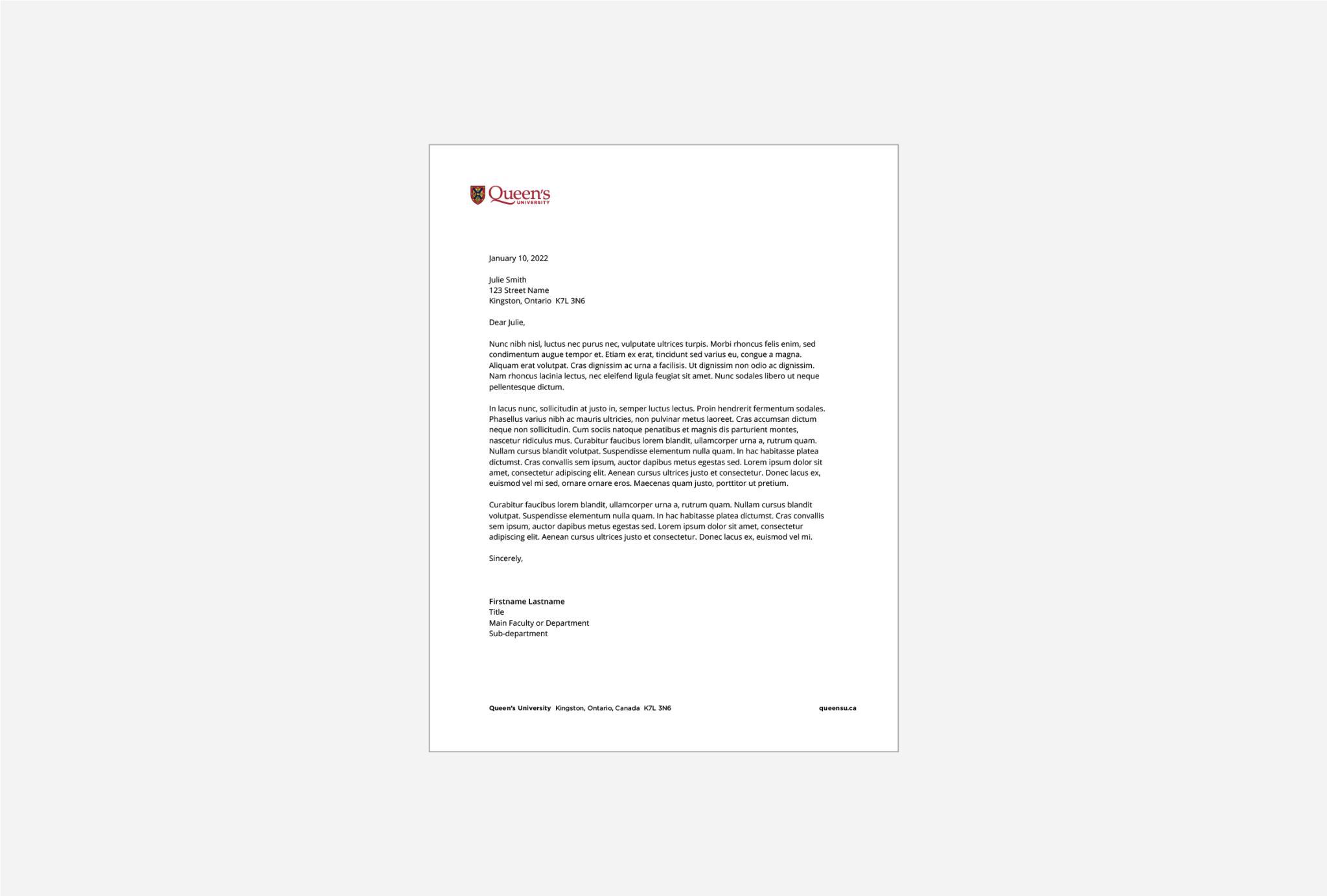
Digital Letterhead
The Queen’s University digital letterhead with the main address is available for download as a Word template.
Departments and units can contact the Brand Team to request a digital letterhead customized with a logo lockup and specific address.
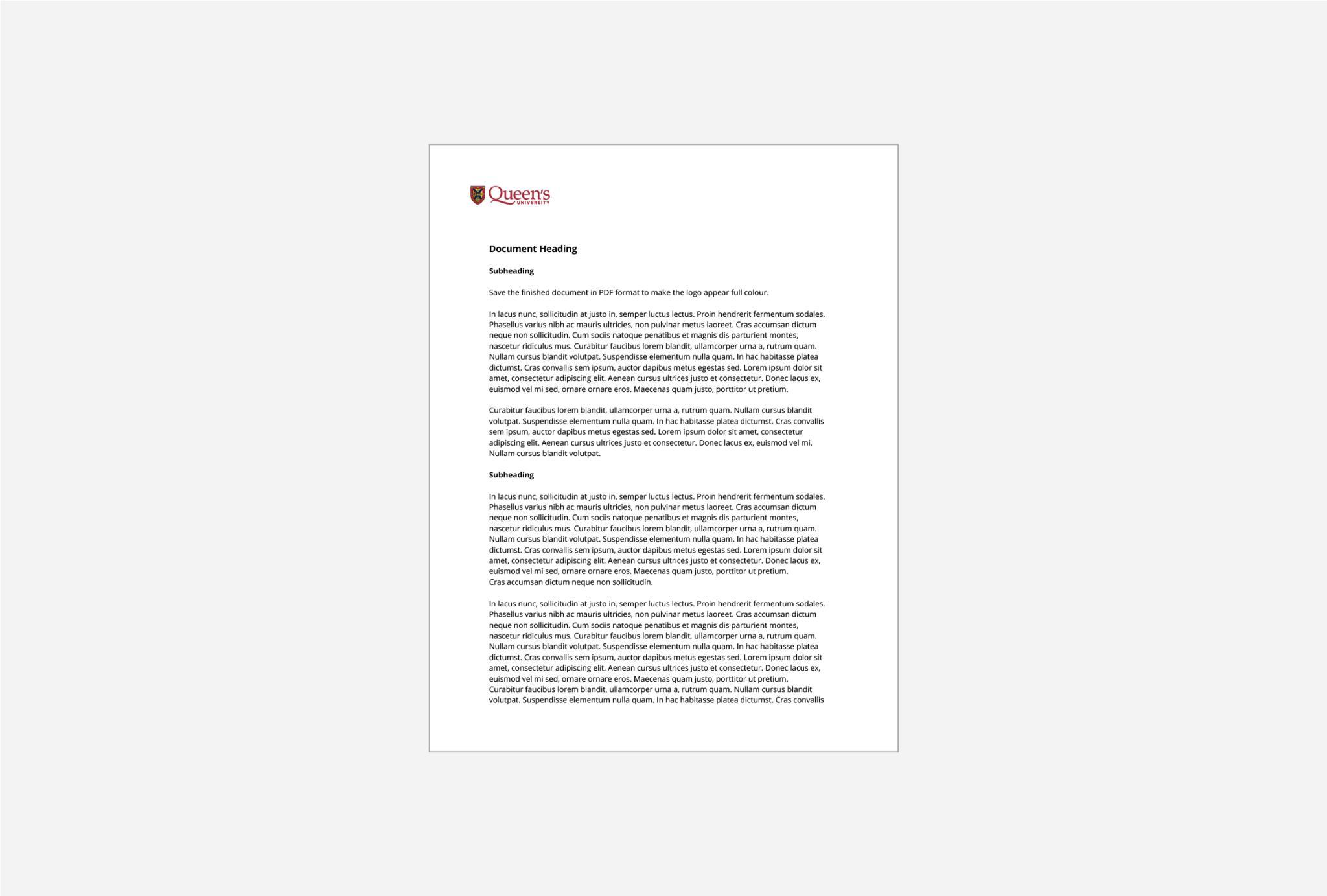
Word Document
A Word template branded with the Queen's logo is available for use in document applications.
Departments and units can contact the Brand Team to request a Word document customized with a logo lockup.
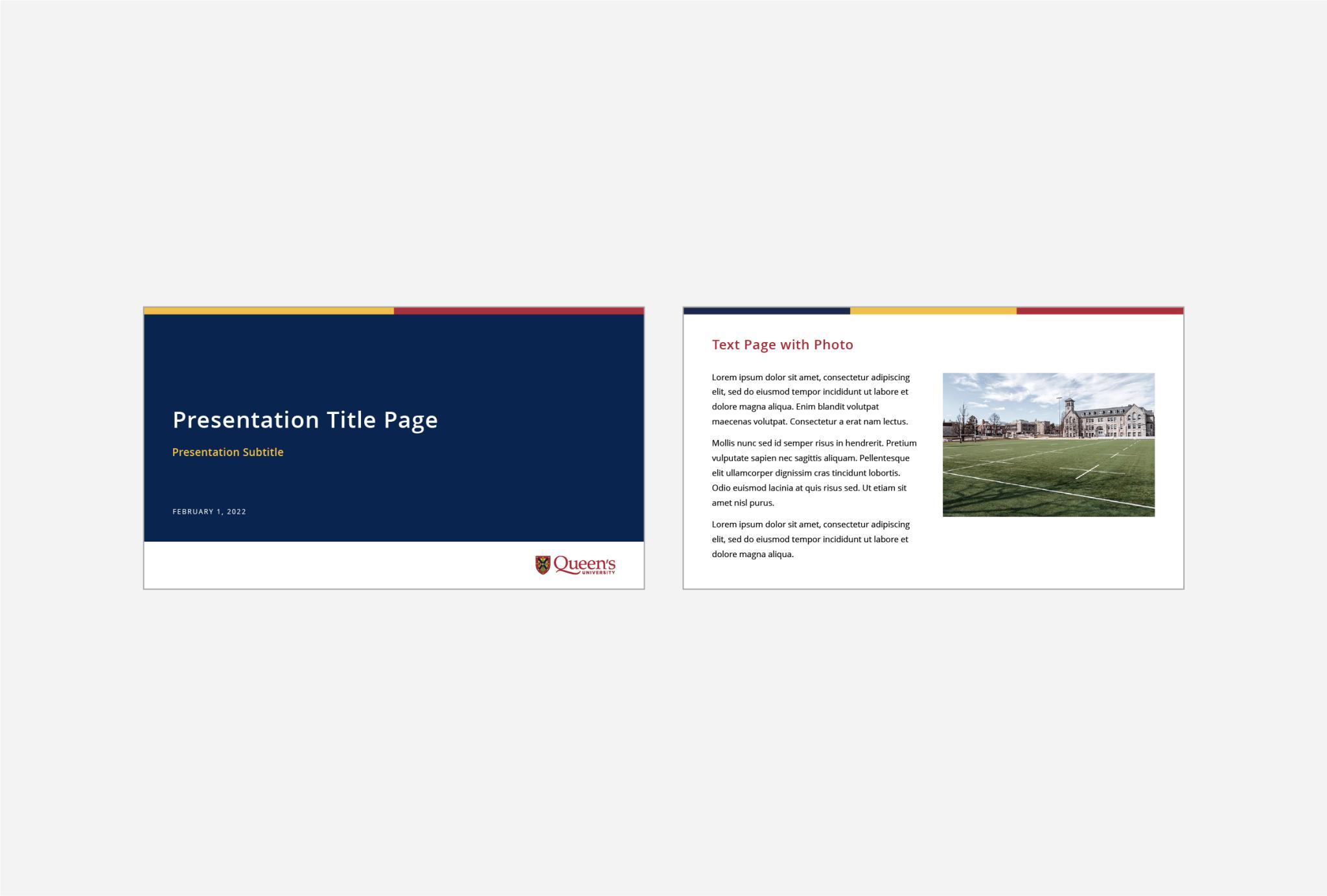
PowerPoint Templates
Branded PowerPoint templates have been created to support professional internal and external presentations.
Departments and units can contact the Brand Team to request a PowerPoint template customized with a logo lockup.
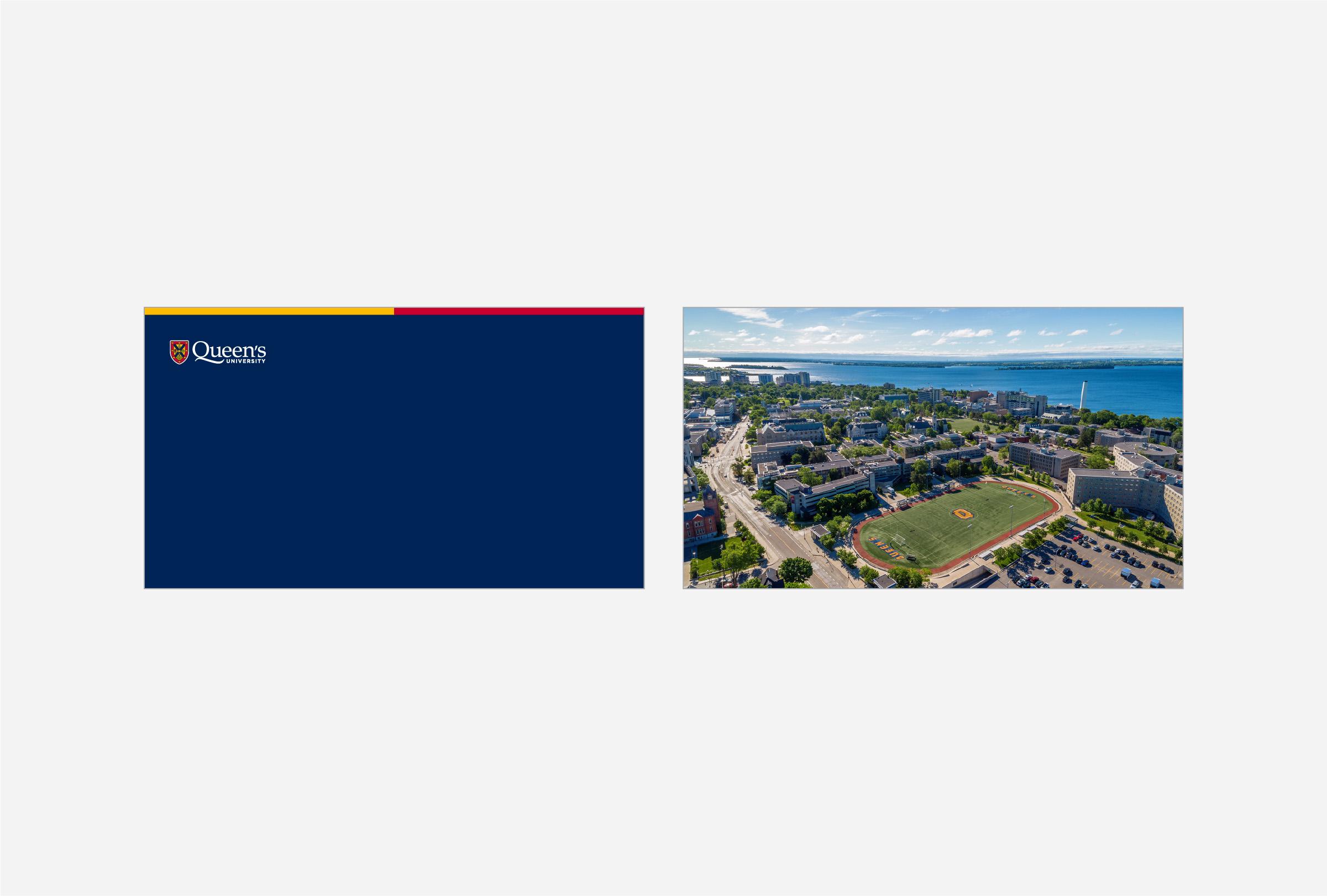
Virtual Meeting Backgrounds
A variety of virtual meeting backgrounds are available to incorporate branded imagery in meetings, online classes, or meetups. Instructions on how to insert them in various virtual meeting platforms are also available. Check back to access new virtual meeting backgrounds that will be added periodically.

Canva Templates
A variety of Canva templates are available for customization to support the creation of brand-aligned reports, documents and posters. Check back to access new Canva templates that will be added periodically.